Try it
Read the quick start guide.

<head> in orderTry it live
How you order elements in the <head> can have an effect on the (perceived) performance of the page.
Capo helps you identify which elements are out of order.
See the quick start guide for more details.
For applications that add lots of dynamic content to the <head> on the client, it’d be more accurate to look at the server-rendered <head> instead.
WIP see the extension guide.
Alternatively, you can use local overrides in DevTools to manually inject the capo.js script into the document so that it runs before anything else, eg the first child of <body>. Harry Roberts also has a nifty video showing how to use this feature. This has some drawbacks as well, for example the inline script might be blocked by CSP.
Another idea would be to use something like Cloudflare workers to inject the script into the HTML stream. To work around CSP issues, you can write the worker in such a way that it parses out the correct nonce and adds it to the inline script. (Note: Not tested, but please share examples if you get it working! 😄)
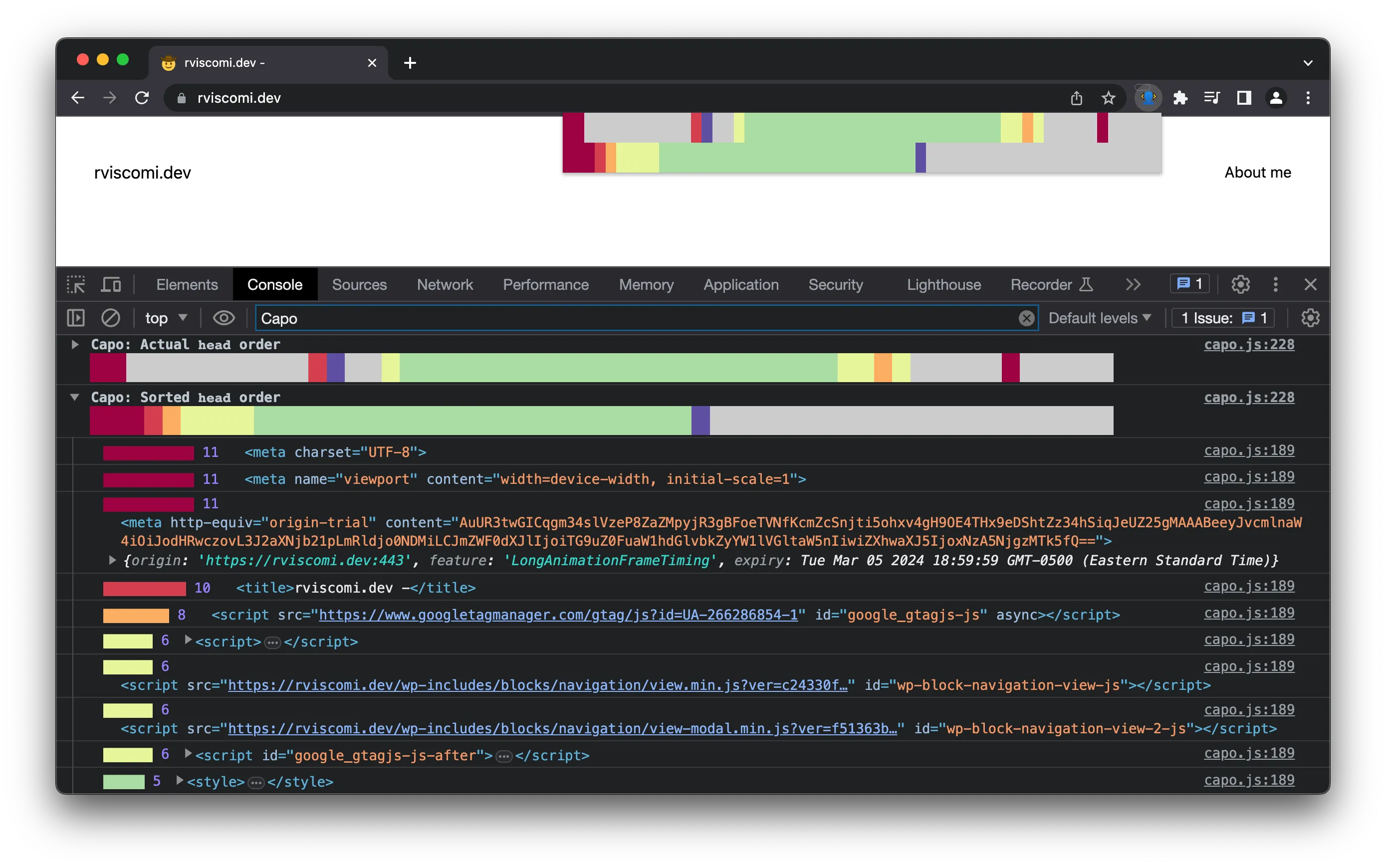
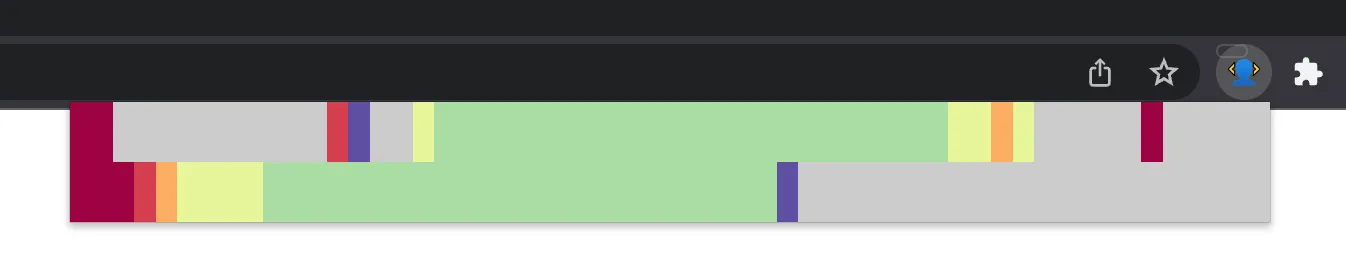
The script logs two info groups to the console: the actual order of the <head>, and the optimal order. In this collapsed view, you can see at a glance whether there are any high impact elements out of order.
Each “weight” has a corresponding color, with red being the highest and blue/grey being the lowest. See rules.js for the exact mapping.
Here are a few examples.
www.nytimes.comdocs.github.ioweb.devstackoverflow.comExpanding the actual or sorted views reveals the detailed view. This includes an itemized list of each <head> element and its weight as well as a reference to the actual or sorted <head> element.
www.nytimes.comHere you can see a drilled-down view of the end of the <head> for the NYT site, where high impact origin trial meta elements are set too late.
Try it
Read the quick start guide.
Get the extension
Start contributing
Contribute to the Capo project.
Submit an issue
Something not working? File an issue on GitHub.